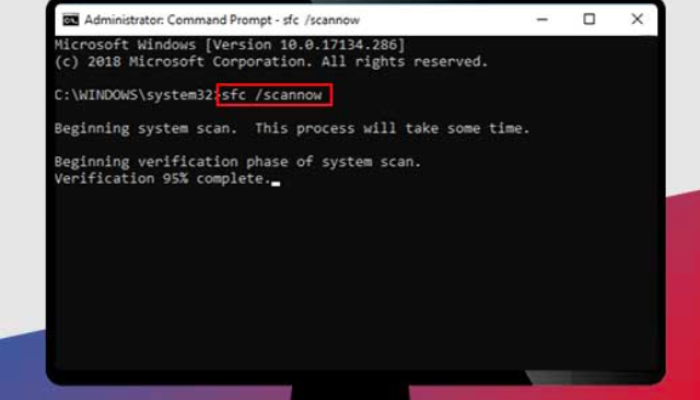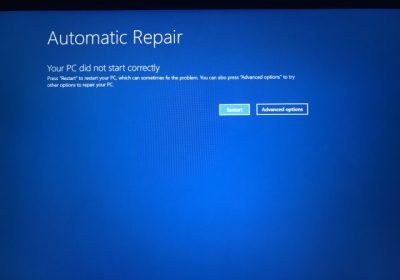
Part 1: Breakdown Introduction of the Concept The error message "The operating system's current configuration cannot run this program" typically appears when attempting to launch Microsoft Office 2016 applications, such as Word, Excel, or PowerPoint. This issue indicates that there is a mismatch or corruption in the system's setup that prevents the software from executing properly. Breaking it down: System Configuration Mismatch: This could stem from incompatible updates, where recent Windows patches conflict with Office 2016's installation files. Corrupted Installation Files: Over time, registry entries or core DLL files for…
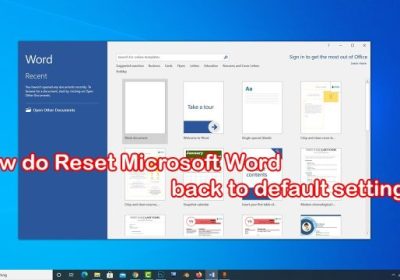
Breaking Down the Concept of Microsoft Word Errors Leading to Unusability Microsoft Office Word errors that render the application unusable typically manifest as crashes, freezes, failure to launch, or unresponsive features, disrupting productivity for users reliant on document creation and editing. This concept can be broken down into several key elements: error types, causes, and impacts. Common error types include runtime errors (e.g., "Word has stopped working"), file corruption messages, or add-in conflicts that halt operations. Causes often stem from software glitches, such as incompatible updates, damaged templates, or third-party…
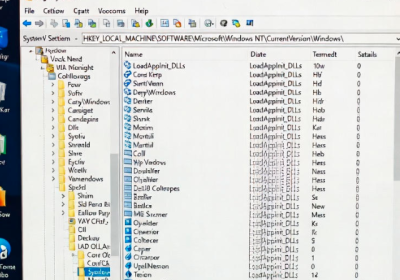
Part 1: Breaking Down the Concept The Windows error code 0xc0000142, often displayed as "The application was unable to start correctly (0xc0000142)," indicates a failure in application initialization. This error typically occurs when a program attempts to load but encounters issues with dynamic link libraries (DLLs) or system resources. Breaking it down: DLL Loading Failure: At its core, this error stems from Windows' inability to locate or properly initialize required DLL files. DLLs are shared libraries that provide reusable code for applications, and if they're missing, corrupted, or incompatible, the…
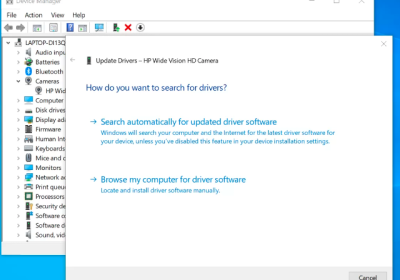
A fatal error in Adobe Photoshop refers to a critical crash that forces the program to close unexpectedly. It often appears as messages like "Adobe Photoshop has encountered a fatal error and must close," "An unrecoverable error has occurred," or a full system crash during startup, opening files, or using tools. In Chinese, users commonly search for "fatal error" when seeing these dialogs. This issue is widespread across Photoshop versions (including 2025 releases) and is usually caused by outdated graphics drivers, corrupted preferences, incompatible GPU acceleration, plugin conflicts, insufficient system…
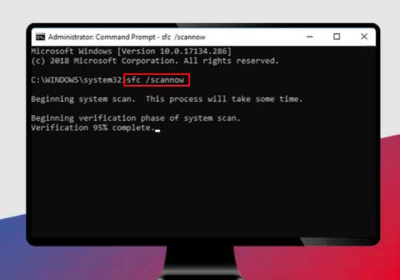
The error message "The procedure entry point could not be located in the dynamic link library" prevents Adobe Photoshop from launching. This is usually caused by corrupted or mismatched Microsoft Visual C++ Redistributable packages, damaged system files, conflicting DLLs, or issues with the Photoshop installation itself. It affects various versions, including recent ones as of 2025. Here's what the error typically looks like: Follow these steps in order. Most users resolve it with the first few. 1. Repair or Reinstall Microsoft Visual C++ Redistributables This is the most common fix,…
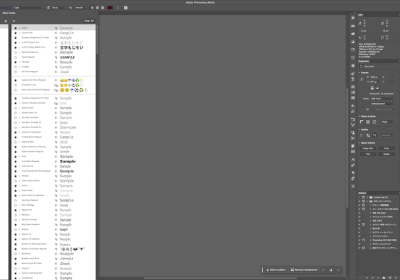
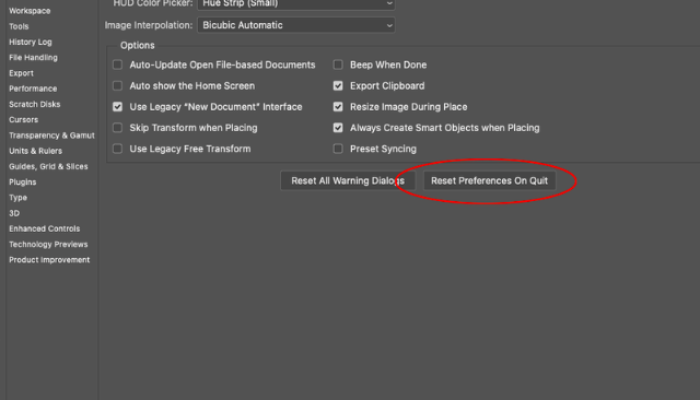
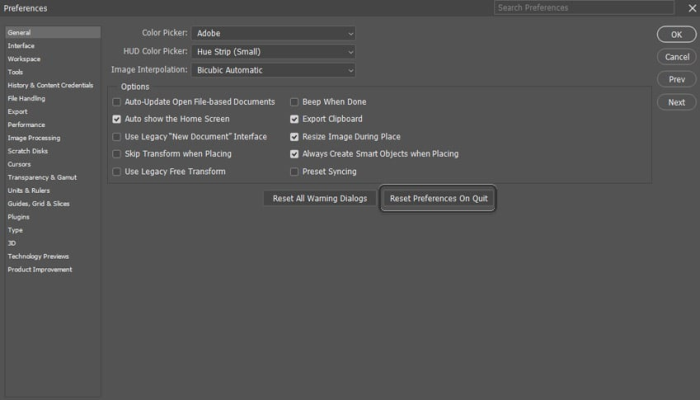
One of the most frustrating issues in Adobe Photoshop is encountering the error message: "Could not complete your request because of a program error." This typically occurs when trying to save a file (Save or Save As), preventing you from preserving your work. The error is often caused by corrupted preferences, font conflicts, layer issues, cache buildup, permission problems, or corrupted elements in the document itself. This error has been reported across various Photoshop versions, including recent ones as of 2025. Fortunately, there are several reliable troubleshooting steps to resolve…
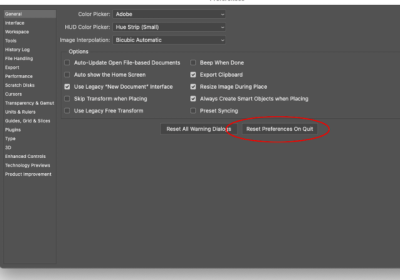
The error message "Could not complete your request because of a program error" is a common issue in Adobe Photoshop that prevents users from saving files using Save or Save As. This problem can occur in various versions, including the latest as of 2025, and is typically caused by corrupted preferences, font conflicts, layer complexities, cache buildup, or permission issues. Don't panic—most cases can be resolved quickly. Follow these steps in order, testing save after each one. The Error Message Here's what the error typically looks like: 1. Quick Workaround:…
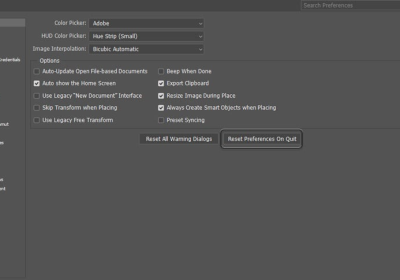
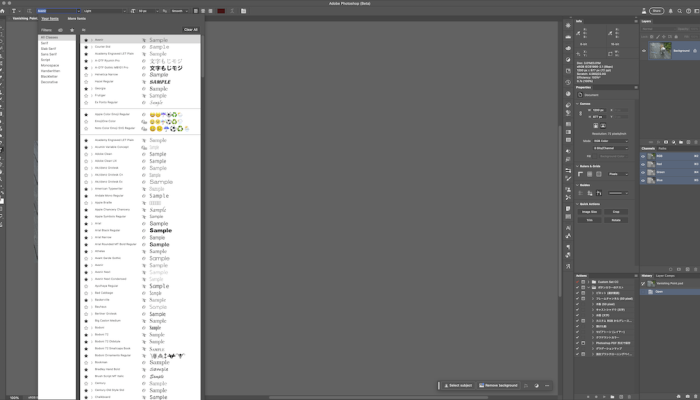
Adobe Photoshop is a powerful tool for designers, but users occasionally encounter the frustrating error message: "Could not complete your request because of a program error". This issue is particularly common when trying to modify text layers, such as changing fonts. It often stems from corrupted font caches, incompatible or damaged fonts, corrupted preferences, or conflicts with system resources. As of late 2025, this remains a reported problem in Photoshop versions, including the latest updates. Fortunately, there are several reliable fixes. Below, we'll outline the most effective step-by-step solutions, with…
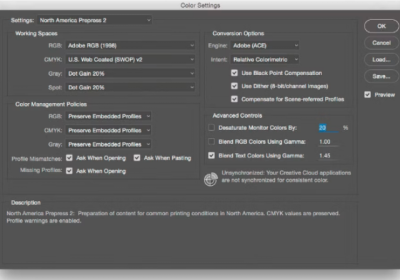
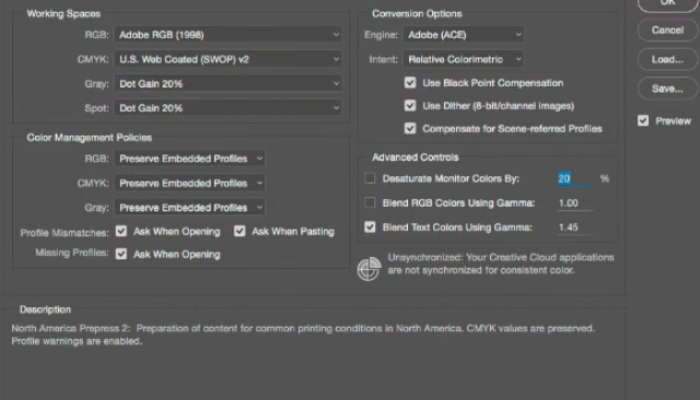
If you're encountering an error in Adobe Photoshop stating something like "Could not synchronize color settings" , this is a common issue related to Adobe's color management system. It typically occurs when Photoshop attempts to sync color profiles across Adobe Creative Cloud apps (like Illustrator, InDesign, or via Adobe Bridge) but fails due to file permissions, missing files, version mismatches, or configuration conflicts. This error often appears on startup and doesn't prevent Photoshop from running, but it can be annoying and may affect color consistency across apps. Fortunately, there are…

The Blue Screen of Death (BSOD) error 0xc000021a in Windows 10 is a critical system error that prevents the operating system from booting properly. This error often manifests as a blue screen with the message "Your PC ran into a problem and needs to restart," accompanied by the stop code 0xc000021a. It typically occurs during startup, leading to boot loops that can be frustrating and disruptive. Windows 10: BSOD Error 0xC000021A Fixed This issue signals a failure in core Windows processes, and addressing it promptly is essential to regain access…