Part 1: Breakdown Introduction of the Concept The error message "The operating system's current configuration cannot run this program" typically appears when attempting to launch Microsoft Office 2016 applications, such as Word, Excel, or PowerPoint. This issue indicates that there is a mismatch or corruption in the system's setup that prevents the software from executing properly. Breaking it down: System Configuration Mismatch: This could stem from incompatible updates, where recent Windows patches conflict with Office 2016's installation files. Corrupted Installation Files: Over time, registry entries or core DLL files for…
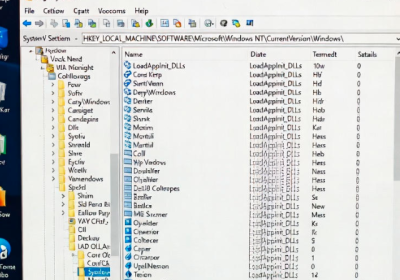
Part 1: Breaking Down the Concept The Windows error code 0xc0000142, often displayed as "The application was unable to start correctly (0xc0000142)," indicates a failure in application initialization. This error typically occurs when a program attempts to load but encounters issues with dynamic link libraries (DLLs) or system resources. Breaking it down: DLL Loading Failure: At its core, this error stems from Windows' inability to locate or properly initialize required DLL files. DLLs are shared libraries that provide reusable code for applications, and if they're missing, corrupted, or incompatible, the…

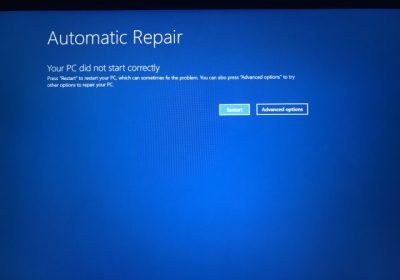
The Blue Screen of Death (BSOD) error 0xc000021a in Windows 10 is a critical system error that prevents the operating system from booting properly. This error often manifests as a blue screen with the message "Your PC ran into a problem and needs to restart," accompanied by the stop code 0xc000021a. It typically occurs during startup, leading to boot loops that can be frustrating and disruptive. Windows 10: BSOD Error 0xC000021A Fixed This issue signals a failure in core Windows processes, and addressing it promptly is essential to regain access…
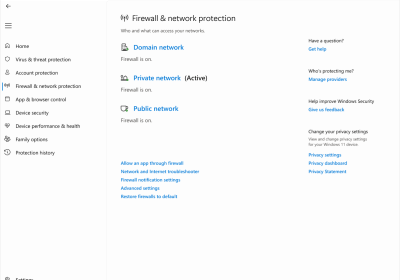
what to do if Windows 11 has a shared printer error 0x00000040? The shared printer error 0x00000040 on Windows 11 often appears when attempting to connect to a network-shared printer, displaying a message like "The specified network name is no longer available." This issue can stem from network connectivity problems, outdated drivers, security restrictions, or compatibility issues, especially when sharing printers with older Windows versions. Fortunately, several troubleshooting steps can resolve it. Follow these methods in order, restarting your computer after each one to test if the error persists. Ensure…
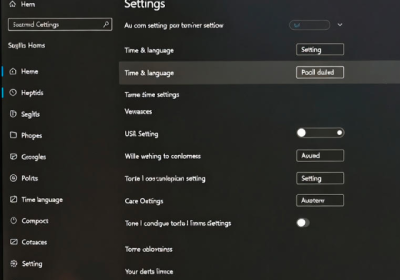
How to resolve incorrect boot time in Windows 11 If your Windows 11 PC displays the incorrect time or date upon booting (especially after being powered off), it can cause issues with apps, security certificates, and scheduling. Common causes include failed automatic time synchronization, dual-boot conflicts with Linux, a failing CMOS battery, or service misconfigurations. This guide provides step-by-step solutions, starting with the simplest. Important: Ensure your PC is connected to the internet for time sync features. Back up important data before advanced steps. Step 1: Open Date & Time…
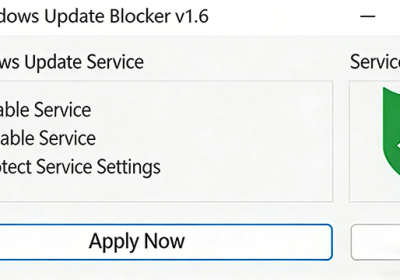
Solve the Problem of How to Turn Off Win11 Auto-Updates Like Windows 10, Windows 11 maintains a monthly update cycle. As a newer system, it sometimes receives patch updates even more frequently. Many users prefer not to have their systems automatically updated when everything is working fine—they want control, not forced updates. So, how can you disable automatic updates in Windows 11? Below, we’ll show you effective methods to completely turn off auto-updates in Win11. Method 1: Use a Dedicated Tool (Highly Recommended) Download a Windows 11 automatic update disabling…
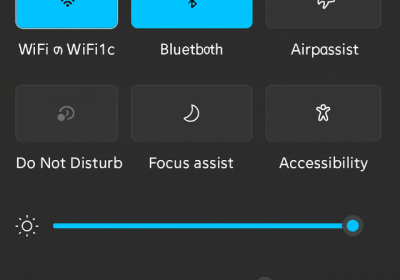
What to do if the Control Center is missing in Windows 11 and how to show it again? Many users have reported that the Control Center is missing from the bottom-right corner of their Windows 11 desktop. Some had the Control Center in Windows 10, but it disappeared after upgrading to Windows 11. The Windows 11 Control Center allows you to adjust screen brightness, volume, and toggle settings such as Wi-Fi, Airplane Mode, Focus Assist, and more. Below, we’ll show you how to bring back the Control Center in Windows…